 HdAny
Custom software
Give your team one place to manage records, review requests and see who owns the next step.
HdAny builds custom software, business websites and automation for the tasks your team handles every day.

Start with the work that needs to happen. We’ll discuss which kind of solution fits.
Give your team one place to manage records, review requests and see who owns the next step.
Make it easy for visitors to understand what you offer and find the information they need.
Move routine requests between people and tools with clear rules for approvals and exceptions.

A form, a review and a notification are often part of the same job. Decide what information moves forward, who checks it and what happens when an exception comes up.
Explore workflow automationIllustrative interface concept. It is not a product for sale or a completed client project.
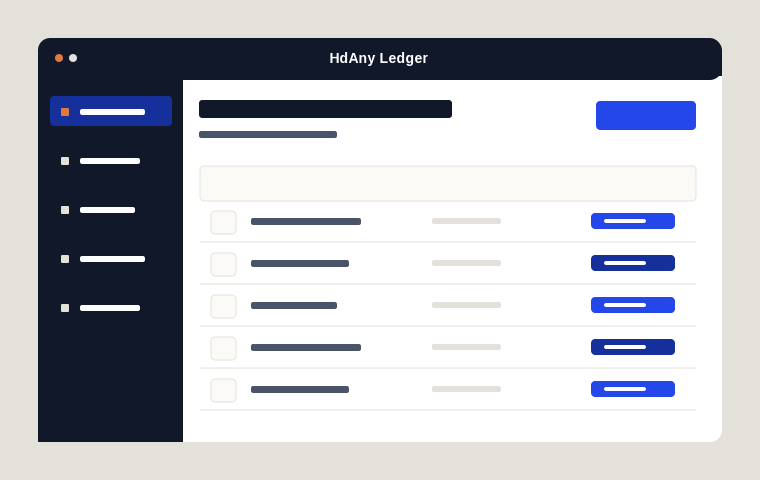
Internal software
An equipment register that brings inventory, checkouts and maintenance notes into one workspace.
Illustrative interface concept. It is not a product for sale or a completed client project.
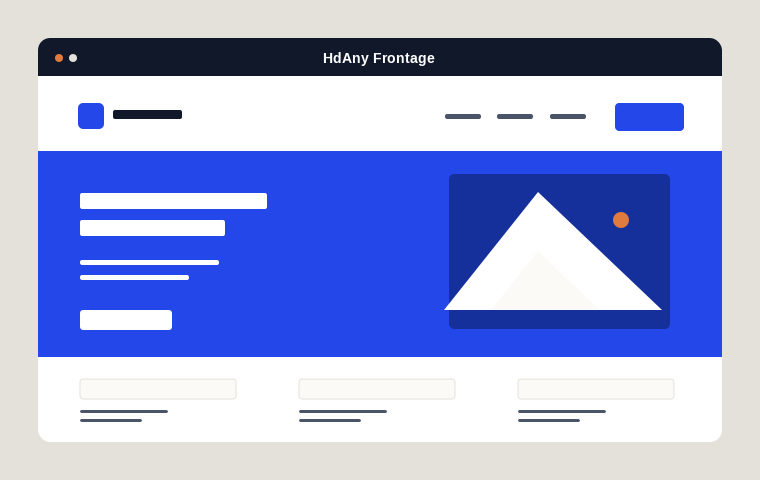
Business website
A service website that helps visitors browse options and find the information they need to make an inquiry.
Illustrative interface concept. It is not a product for sale or a completed client project.
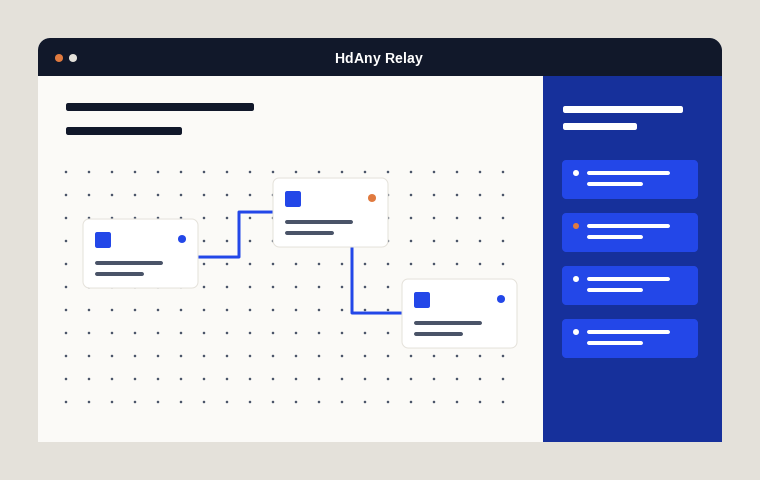
Workflow automation
A purchasing workflow that routes requests to a reviewer and shows where a decision is pending.
Illustrative interface concept. It is not a product for sale or a completed client project.
Walk through a real task with the people who do it. Identify where time is lost or information gets missed.
Define what the first release should do, what it depends on and how you will check it.
Review work as it takes shape. Settle changes and test the agreed scenarios before handover.
Review deliverables and operating instructions together. Agree separately on any ongoing support.
Describe one task you want to make easier, who does it today and what a better result would look like. Include any tools or deadlines that affect the work.
Yes. A single approval, a public-facing page or an internal tool can be scoped on its own. Discuss how it needs to connect to the rest of your work.
The quotation covers the agreed scope. Any ongoing support and its terms are discussed as part of the project agreement.
Tell us how the work happens today and what you would like to change.